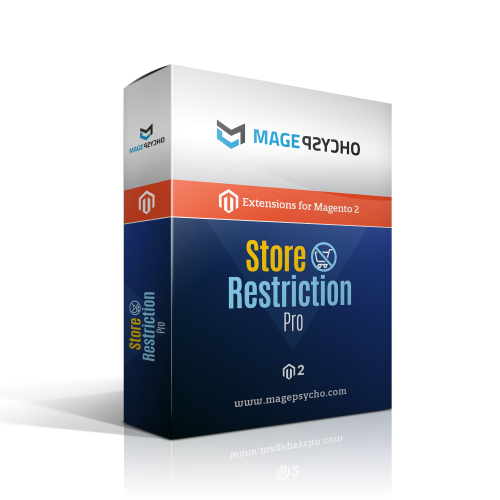
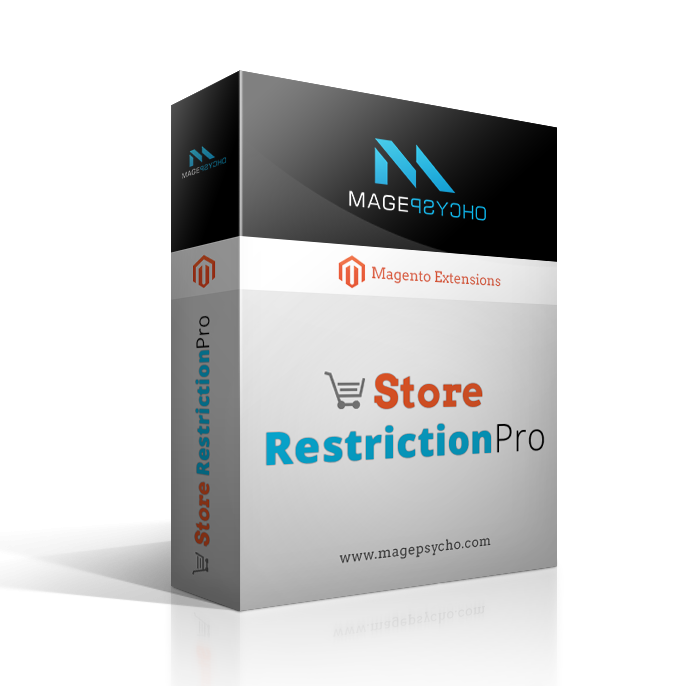
Store Restriction Pro
 Share
Share
Store Restriction Pro provides you with complete functionality to restrict your store in many ways (disabling registration, requiring customer approval for login, restricting access to certain pages/sections in the store, allowing guest access to certain pages from restricted stores, etc.)
Compatibility
Community: 1.5.*, 1.6.*, 1.7.*, 1.8.*, 1.9.*Enterprise: 1.5.*, 1.6.*, 1.7.*, 1.8.*, 1.9.*
Introduction:
Store Restriction Pro provides you with complete functionality to restrict your store in many ways (disabling registration, requiring customer approval for login, restricting access to certain pages/sections in the store, allowing guest access to certain pages from restricted stores, etc.)
Features:
- Generic:
- Upgrade Proof Module(purely event-observer based, no any rewrites).
- Compatible with Magento CE 1.3.2.4 - 1.9.3.1 (with Magento EE - coming soon).
- Option to enable/disable the extension.
- Compatible with Custom Login Redirect Pro Extension.
- Essential Module for B2B/B2C, private sale, invite only stores.
(Please see the screenshot in the media gallery which illustrates additional features.)
- Customer Registration:
- Option to disable the customer registration so that the customer cannot register from frontend interface.
- Option to show custom message in registration disabled section(login & checkout page).
- Option to allow customer group selection/automatic group switching in registration page.
- Customer Activation/Approval:
- Option to enable customer activation/approval so that customer cannot login until the account has been activated/approved by the admin.
- Option to select which customer group needs account activation/approval for login.
- Option to redirect un-approved/non-activated customer to any page(Login, CMS or any custom page) with configured message(for both login & registration).
- Option to notify admin on new customer registration(with admin configurable notification email template)
- Option to notify customer on his/her account activation(with admin configurable notification email template)
- Store Restriction:
- Supports Store Restriction of three types:
- 1. Non Restricted
The store is accessible without any restrictions - 2. Restricted (Only configured pages accessible)
The store is restricted i.e. requires login to be accessible. However you can allow guest users to access some pages which can be configured from admin settings. - 3. Accessible (Only configured pages/sections restricted)
The store is accessible without any login required. However you can restrict some pages & sections that can be configured from admin settings.
- 1. Non Restricted
- Supports Store Restriction of three types:
- Store Restriction - Restricted (Only configured pages accessible):
- Option to select which customer group(s) can only access the restricted store.
- Option to redirect non allowed user to any page(Login, CMS or any custom page) with configured message.
- Option to make certain CMS, Category, Product & custom module pages accessible for guest users.
- Store Restriction - Accessible (Only configured pages/sections restricted):
- Option to select which customer group(s) can only access the restricted pages & sections.
- Option to redirect restricted user to any page(Login, CMS or any custom page) with configured message
- Option to hide prices with custom text & link(this will also remove prices from sorting, filtering section of product listing).
- Option to hide/restrict add to cart with custom text & link.
- Option to hide/restrict checkout options.
- Option to restrict store wise shipping & payment methods.
- Option to restrict CMS, category, product & custom module pages to be accessible for only allowed customer groups.
Installation / Configuration:
- Just drag & drop the 'app' folder to your root of Magento installation.
- After installation go to Admin: >> System >> Configuration >> MagePsycho Extensions >> Store Restriction Pro >> Manage your setting here.
- Please refer to the screenshot provided in the media gallery for the backend settings & frontend features.
- Or you can explore them from our demo section.
Installation Notes:
- Disable the Cache before Installation or Refresh the Cache after Installation.
Also disable the Compilation (System > Tools > Compilation) if enabled. - If you get 'Access Denied' error in System > Configuration, then try to logout & re-login.
- If you have custom theme (non-rwd based i.e. Magento version < 1.9) then copy the following files:
toapp/design/frontend/default/default/layout/magepsycho_storerestrictionpro.xml
app/design/frontend/default/default/layout/magepsycho_customerregfields.xml
app/design/frontend/default/default/template/magepsycho/storerestrictionpro/*
app/design/frontend/default/default/template/magepsycho/customerregfields/*
app/design/frontend/[your-interface]/[your-non-rwd-theme]/layout/magepsycho_storerestrictionpro.xml
app/design/frontend/[your-interface]/[your-non-rwd-theme]/layout/magepsycho_customerregfields.xml
app/design/frontend/[your-interface]/[your-non-rwd-theme]/template/magepsycho/storerestrictionpro/*
app/design/frontend/[your-interface]/[your-non-rwd-theme]/template/magepsycho/customerregfields/*
If you have custom theme (rwd based i.e. Magento version >= 1.9) then copy the following files:
toapp/design/frontend/rwd/default/layout/magepsycho_storerestrictionpro.xml app/design/frontend/rwd/default/layout/magepsycho_customerregfields.xml app/design/frontend/rwd/default/template/magepsycho/storerestrictionpro/* app/design/frontend/rwd/default/template/magepsycho/customerregfields/*
app/design/frontend/[your-interface]/[your-rwd-theme]/layout/magepsycho_storerestrictionpro.xml app/design/frontend/[your-interface]/[your-rwd-theme]/layout/magepsycho_customerregfields.xml app/design/frontend/[your-interface]/[your-rwd-theme]/template/magepsycho/storerestrictionpro/* app/design/frontend/[your-interface]/[your-rwd-theme]/template/magepsycho/customerregfields/* - If you get 404 error page in CMS pages during redirection, make sure that CMS page belongs to the store.
- Visit official site for more info:
https://www.magepsycho.com/store-restriction-pro.html
Also View:
Documentation - Store Restriction Pro - V1.0.0 - Disable Registration, Require Customer Approval for Login, Restrict/Allow Access, etc.
Live Demo:
Changelog:
Check Above (Changelog Tab)
Quote / Support:
v1.0.2
released on 2016-04-20- fixed Fixed payment method restriction issue
- fixed Fixed shipping method restriction issue
- fixed Fixed customer grid column issue
- fixed Fixed duplicate price label issue in product page
v1.0.0
released on 2015-08-02- added Added option to enable/disable the registration
- added Added option to enable/disable customer activation
- added Added option for redirecting un-approved customer with configured message (if activation enabled)
-
added
Extended store restriction options to three types:
1. Non Restricted
2. Restricted (Only configured pages accessible)
3. Accessible (Only configured pages/sections restricted)
- added Added option to restrict or allow pages/sections depending upon the restriction type
- added Added option to hide prices (this will also remove sorting & filtering options by price)
- added Added option to hide Add to cart & Checkout
- added Added option to restrict store wise shipping & payment methods
- added Added Layout & template files for rwd theme
- added Refactored the code (purely event-observer based, no any rewrites)
v0.3.0
released on 2011-10-24-
added
Added News features:
1> Restricted store wise allowed CMS
2> Restricted store wise allowed modules (Contact Us)
- added Implemented the locale for translation
v0.2.0
released on 2011-08-25- fixed Fixed the System > Configuration Form issue in 1.3.x version
- fixed Fixed the CMS Page collection error in 1.3.x version
Generic
How can I pay for MagePsycho extensions?
If I buy an extension, how would I get it?
After you make a purchase, the order will appear in the "My Orders" section of your personal account page.
As soon as the order status becomes completed the purchased extensions can be downloaded from "My Downloads" section.
How can I get the license key(s) for the purchased extension?
In case if you have't received any license key(s), please Contact Us with the order #.
Are your extensions open source or encrypted?
Do you provide Magento customization service?
Can I get a refund if an extension doesn’t suit me?
After 30 days from the date of purchase, the refund is not applied. You also cannot ask for a refund for the installation service or custom service.
If you are looking for a specific solution for your store, please Contact Us.Can I request a free trial?
But if you buy an extension and it doesn’t suit you in any way, you can request a refund with no risks on your side.
Moreover, most of our extensions have demos, where you can see how our modules work.
What is the license policy? On how many websites can I use MagePsycho extensions?
In the case of additional licenses, we do provide a good discount.